
Airframe Ultra Movement Guide: Throttle, Air Brake, and More
Master Airframe Ultra's movement mechanics with our guide covering throttle, air brake, jumping, and overheating.
How do I perform movement techniques in Airframe Ultra?
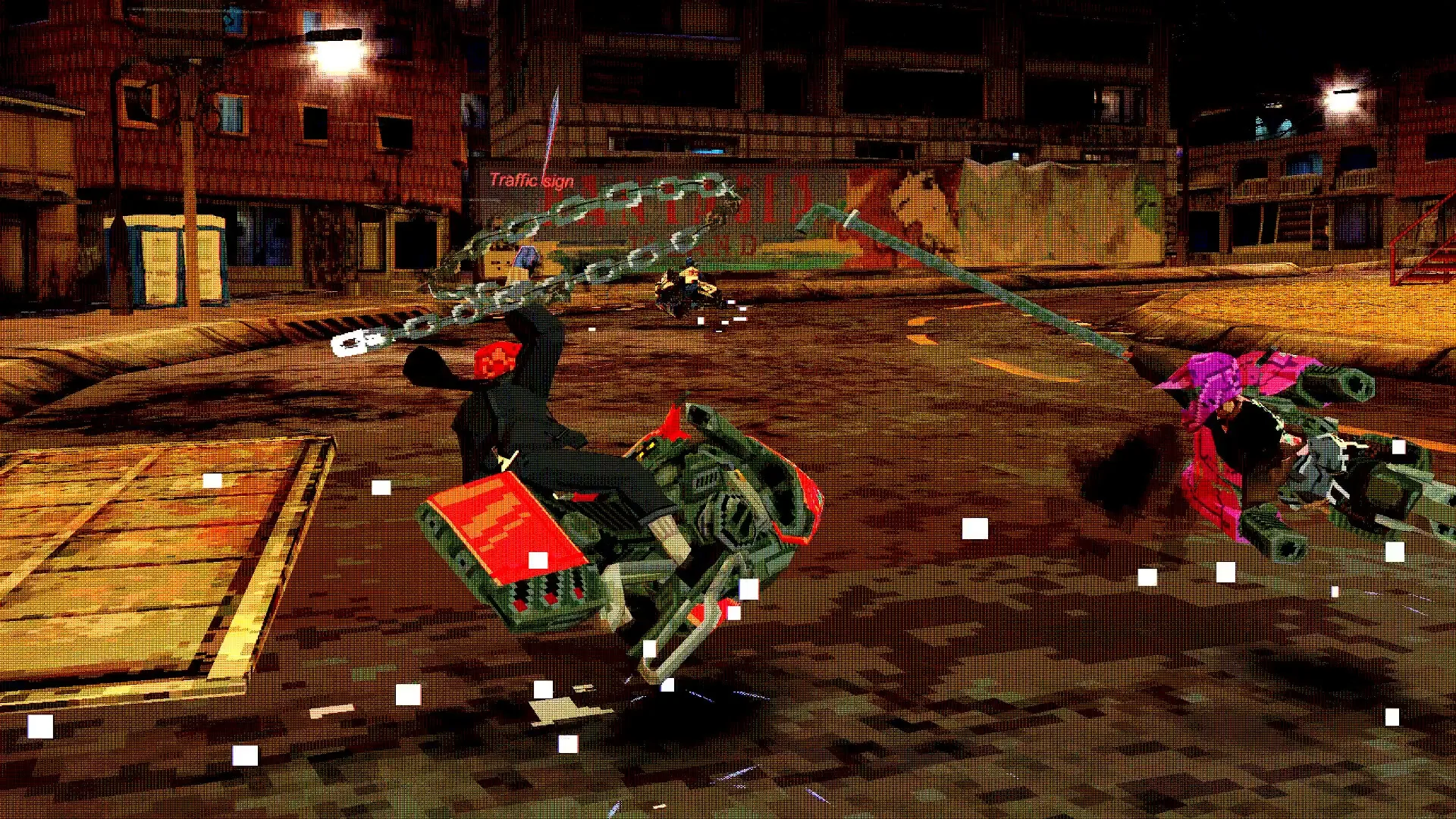
Movement in Airframe Ultra splits into two layers: what your Airframe does while you are riding it, and what your Rider can do once you are off it on foot. Most of these actions are not explained in-game, so community documentation such as the Controls and Movement page on the Airframe Ultra Wiki is where the details come from. That page is still marked as under construction, so treat its specifics as a work in progress rather than a finished manual.
The sections below stick to what is documented there and on the Airframe page.
What are the basic Airframe controls?
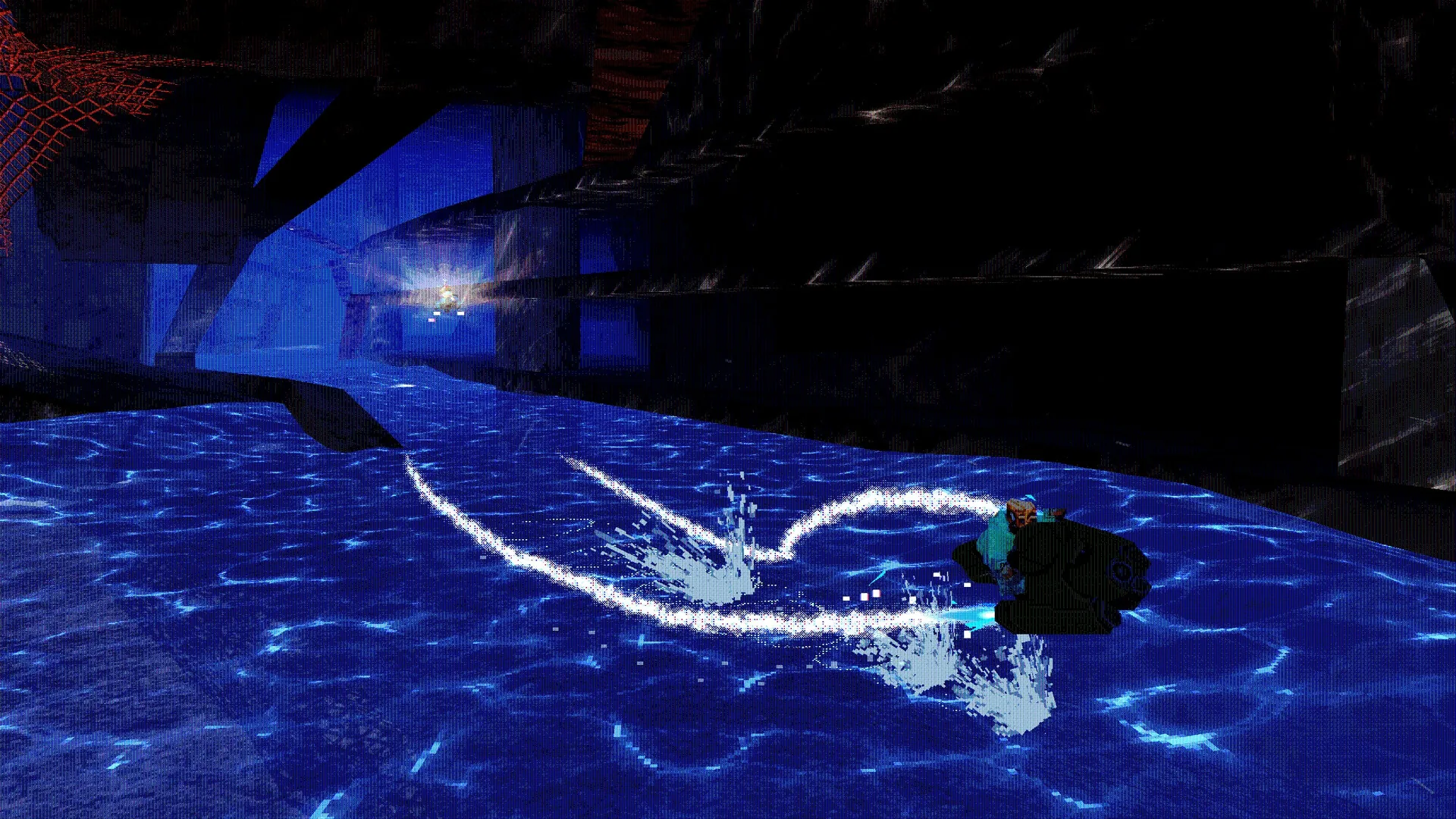
Your Airframe is a hover bike steered with handlebars, and the core inputs are throttle, brake, jump and boost. According to the Airframe Ultra Wiki, holding throttle accelerates the vehicle rapidly, while a separate air brake input slows it down and improves handling. On a controller, throttle can be applied in gradual amounts depending on how far you pull the trigger, but on keyboard it is all or nothing at maximum.
Braking is not just for slowing down. According to the Airframe Ultra Wiki, it greatly increases control while airborne, softens the impact of collisions, and pitches the Airframe's nose slightly upward, which can help you climb vertical formations. Letting go of the brake returns you toward your previous speed quickly, so short taps let you take a sharp line without giving up momentum.
How do I use throttle and air brake together?
Use them as a pair rather than as opposites. According to the Airframe Ultra Wiki, braking through a turn lets you make precise, sharp corrections while retaining speed, because releasing the brake snaps you back up toward your pre-brake pace. Accelerating throughout a brake also lets you keep some of your initial speed.
Braking in the air points the nose up, which is how you set up vertical movement or boost upward. There is a catch worth knowing, though: according to the Airframe Ultra Wiki, it is difficult to boost upward once you are already airborne, and on the Cruiser specifically, boosting and braking together while airborne forces the nose down instead.
How do I jump and perform aerial maneuvers?
Pressing jump makes the Airframe lurch downward slightly before it launches into the air. The Airframe Ultra Wiki lists the uses as crossing gaps, avoiding obstacles, and gaining more total speed out of a boost. The same page also notes that jumping pairs naturally with a boost, and that boosting in general propels the Airframe forward.
Rider-side movement is much deeper. Once you are off the bike, the Airframe Ultra Wiki documents a long list of on-foot options, including prone stance and crawling, stamina, blocking, ledge grabs, dives, several kick variants, crouching, sprinting crawls, flips and rolls. Some entries on that list, such as the spring jump, chain flip and high flip, are labelled "Light only," but the page does not explain what Light refers to. The page itself warns it may not be complete, so the exact input bindings are worth double-checking in-game.
How does overheating work?
Throttling for too long builds up overheat, and the Airframe Ultra Wiki describes a triangular thermometer gauge that shows it. When the gauge flashes bright red, the Airframe slows down drastically. Reducing throttle strength or boosting are the documented ways to bring it back down. One Airframe, the Vector, behaves differently: according to the Airframe Ultra Wiki, it begins to repeatedly explode as it overheats.
Closely tied to this is the distinction between a real boost and a dry boost. Boosting normally consumes a charge and cools the overheat gauge. Without a charge, you dry-boost, trading Airframe health for speed, which is worth knowing before you mash boost on a long straight. Airframe health is tracked separately from the Rider, and an Airframe that takes too much damage explodes and forces you to wait for a replacement to spawn.
What advanced movement tips should I know?
According to the Airframe Ultra Wiki, as your speed rises you shift automatically, and each gear has its own maximum speed and steering rate, with lower gears giving better steering control. That means the fastest setting is not always the fastest way through a corner.
Boosting has its own depth: according to the Airframe Ultra Wiki, boosting during an existing boost compounds the intensity and speed of the boost. The flip side is that each Airframe boosts differently, so the feel you learn on one frame will not be identical on another.
On input guidance, the Steam store lists full controller support, a gamepad recommendation, and a keyboard-only option. The minimum and recommended specs both add that a gamepad is highly recommended for optimal steering control. The finer movement details live on community pages that are still marked incomplete, so anything beyond that will have to come from testing in the saddle.
Related guides
Related Guides
Airframe Ultra Achievements Guide: All 21 Achievements
A complete list of Airframe Ultra's 21 achievements, including hidden ones, and tips on how to unlock them.
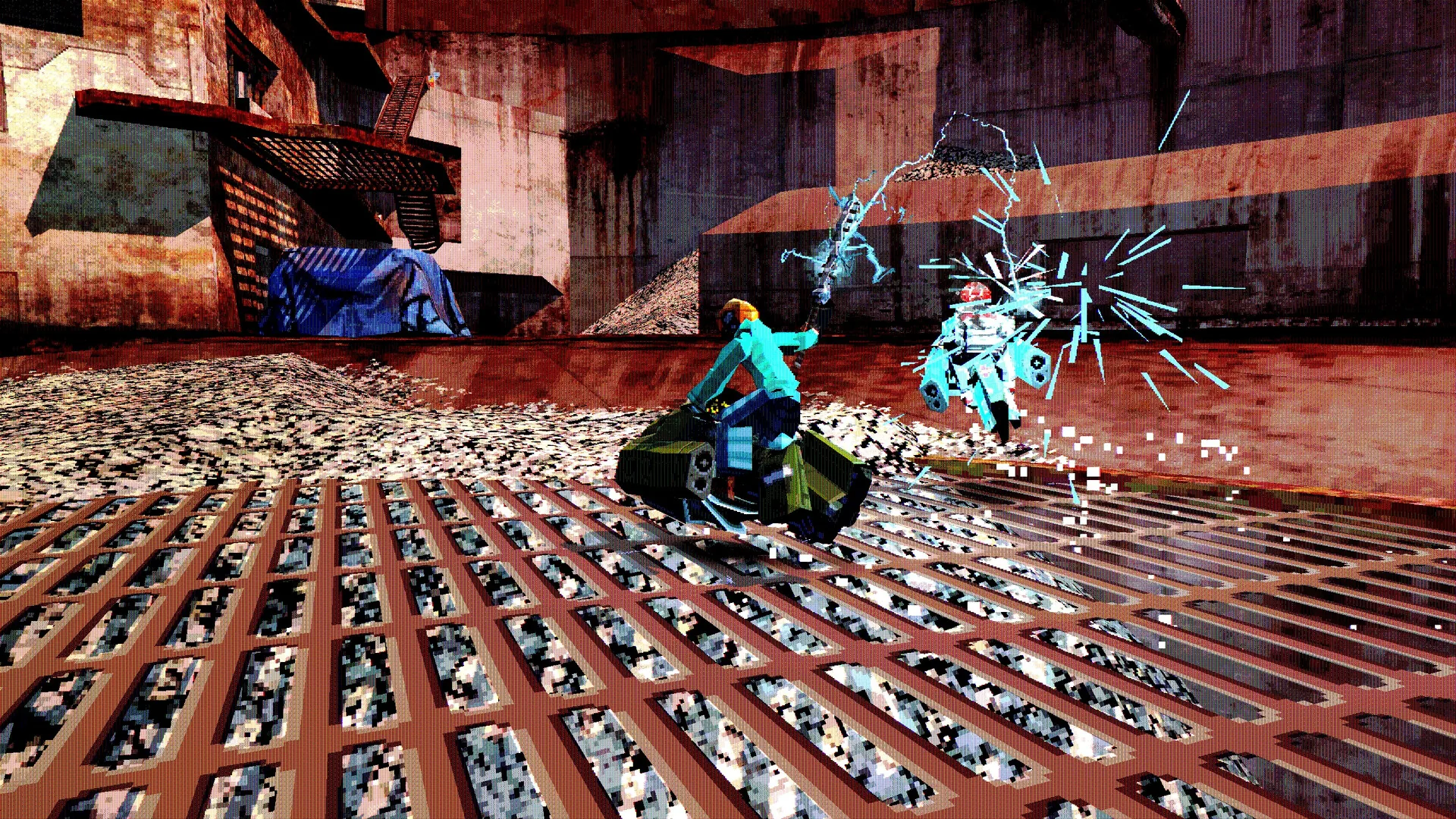
Airframe Ultra Customization Guide: Racers, Airframes, and Mods
Learn how to customize your racer and Airframe in Airframe Ultra, from cosmetics to performance mods.
Airframe Ultra Multiplayer and Co-op: How to Play with Friends
Everything you need to know about Airframe Ultra's online and split-screen multiplayer, including co-op and PvP modes.
Airframe Ultra Progression and Unlocks: How to Earn New Gear
Learn how progression works in Airframe Ultra, from surviving your first race and earning infamy to buying parts, building a new frame, and unlocking helmets and clothes.