Airframe Ultra Controller Support: Gamepad vs Keyboard
Airframe Ultra has full controller support and recommends a gamepad for optimal steering. Here's what you need to know.
Does Airframe Ultra support controllers?
Yes. Airframe Ultra lists full controller support among its Steam features, so you can expect to play the whole game with a gamepad rather than just navigating menus with one. That feature listing applies to the Windows version, which is the only platform listed for the game.
| Item | Status |
|---|---|
| Steam Deck (Valve review) | Not yet reviewed |
| Controller support (Steam store) | Full controller support |
Source: Steam store page and Valve's Steam Deck compatibility review, checked November 7, 2026.
Is a gamepad recommended for Airframe Ultra?
Yes, the store front recommends one. The PC system requirements carry an additional note that a gamepad is "highly recommended for optimal steering control," and the feature list includes a "Gamepad Recommended" tag. The game also has a "Keyboard Only Option" tag, so keyboard play is an officially listed option rather than something unsupported.
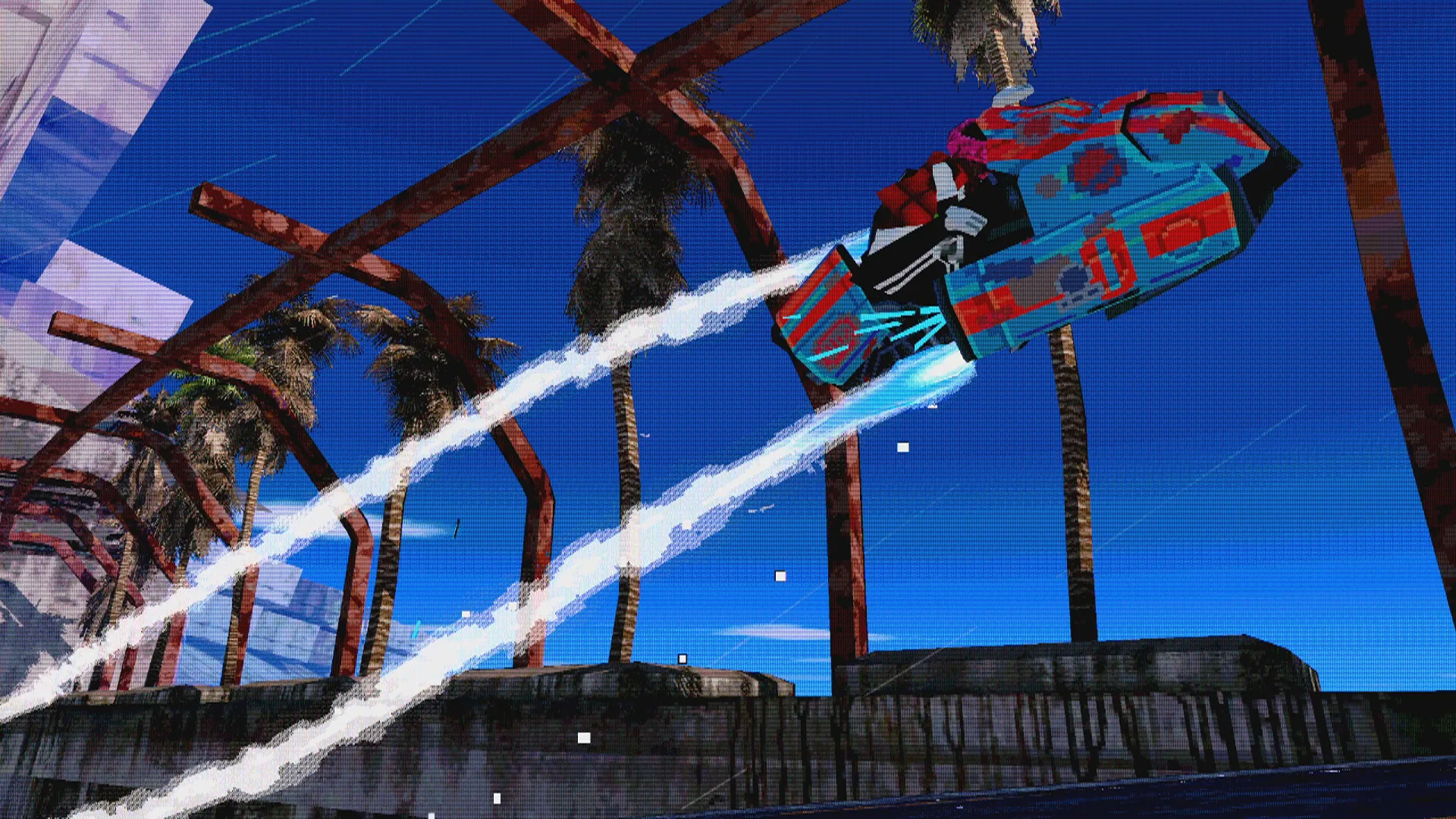
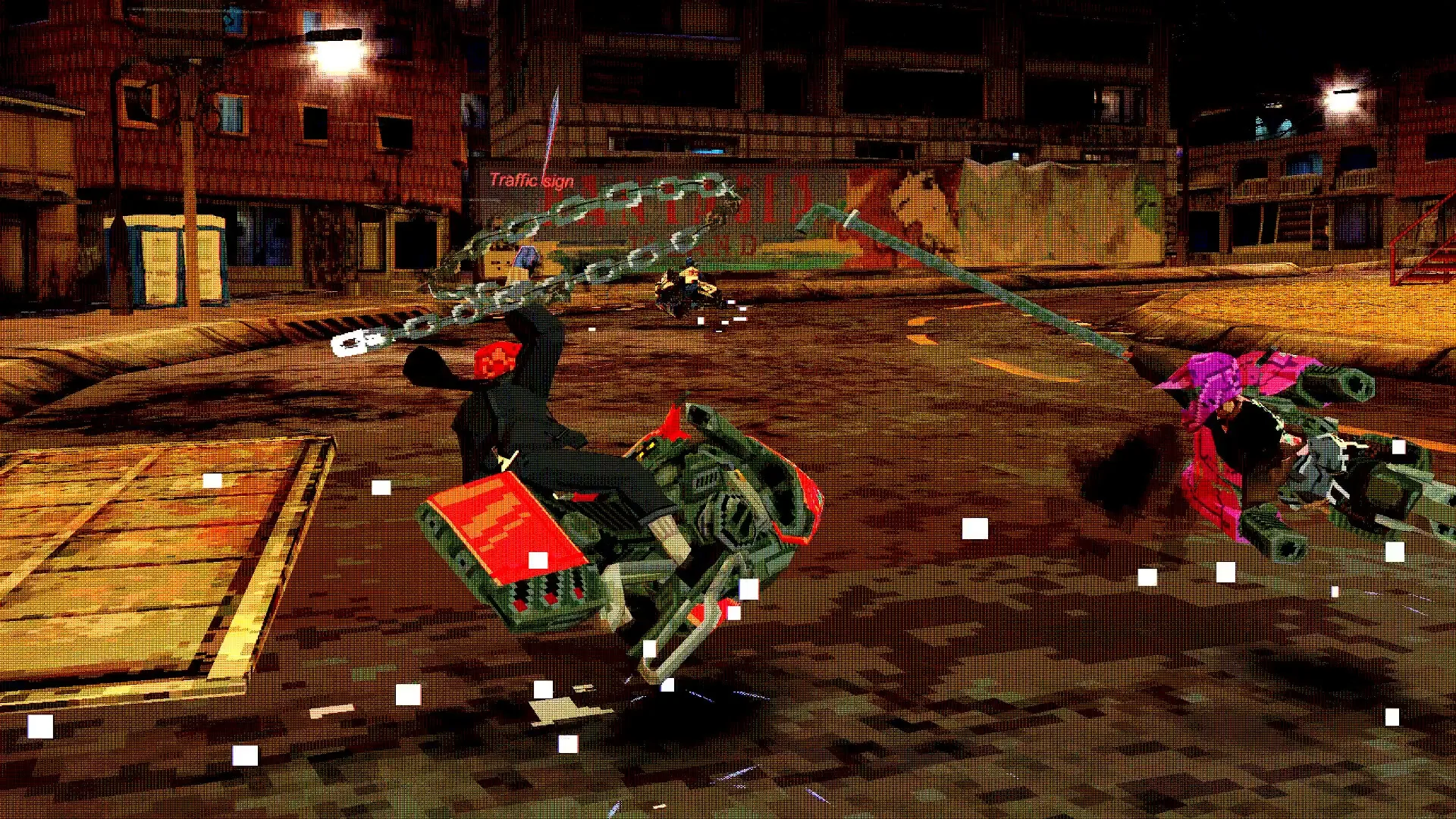
The official description describes a fast battle-racer where you "thrash with pipes, chains and plasma torches" or use boosts. According to the community-run Airframe Ultra Wiki, controller throttle can be applied in gradual amounts depending on how far the trigger is held, while keyboard throttle can only be applied at maximum — a practical argument for a pad if you want finer speed control.
Can you play Airframe Ultra with keyboard and mouse?
Yes, keyboard is a listed option. The Steam feature list includes "Keyboard Only Option," which indicates the game can be played without a controller. That said, the "Gamepad Recommended" tag sits alongside it, and the requirements note still points players toward a pad.
A third-party listing on SteamInputDB, a community database of Steam Input configurations, includes user-shared layouts that mention keyboard and mouse inputs, but these are fan-made configs rather than anything official. If you want the most precise control over throttle, the community wiki's note about full-strength keyboard throttle versus gradual trigger pressure is worth keeping in mind.
Which controller works best with Airframe Ultra?
The store page does not name a specific preferred controller. It promises full controller support and recommends a gamepad generally, without singling out Xbox, PlayStation or any other brand.
Fan-made Steam Input layouts on SteamInputDB have been shared for a range of pads, including the Steam Controller, Xbox One and generic gamepads, plus one creator who notes their layout is intended for an 8BitDo Pro 2 rather than a Nintendo controller. Those are community preferences, not official recommendations, and the database marks no rating on those configs, so treat them as starting points.
Are there control customization options in Airframe Ultra?
What is officially confirmed is limited: the Steam feature list includes "Full controller support" and "Custom Volume Controls," the latter being audio rather than input. Steam Input configurations exist for the game, which means players can build their own layouts through Steam, and the community database shows shared layouts that remap things like airbrake, boost and jump onto back paddles. That is a Steam-level feature and a player-made convenience, not a documented in-game remapping menu.
Whether the game offers its own in-game rebinding menu is not spelled out in the official store information, and no official post details one. If rebinding inside the game matters to you, check the settings after installing — the developers have pointed bug reports to their official bug portal linked from the launch announcements.
Related guides
Related Guides
Airframe Ultra PC Requirements: Minimum and Recommended Specs
Can your PC run Airframe Ultra? Check the minimum and recommended system requirements, including OS, CPU, RAM, and GPU.
Airframe Ultra on Steam Deck: Compatibility Status and What We Know
Valve has not yet reviewed Airframe Ultra for Steam Deck. Here is the current compatibility status plus the PC specs and controller details that matter for handheld play.